In this article
- Two routes for removing the same heat
- Start with CPU workload and settings
- Separate adequate from preferable
- Check compatibility before performance
- For both approaches
- For an air cooler
- For an AIO
- Case airflow and noise change the decision
- Check the installation without inventing a diagnosis
- Maintenance and budget without lifespan promises
You do not need an AIO simply because you are building a gaming PC or buying a high-tier processor. A compatible air cooler is enough if it maintains the expected operation of your CPU at its actual settings, with acceptable noise inside your case. An AIO earns its extra cost when a verified model better serves a sustained workload, a space constraint or a specific acoustic goal. Before spending more, separate necessary cooling from the improvement you actually want.
Two routes for removing the same heat
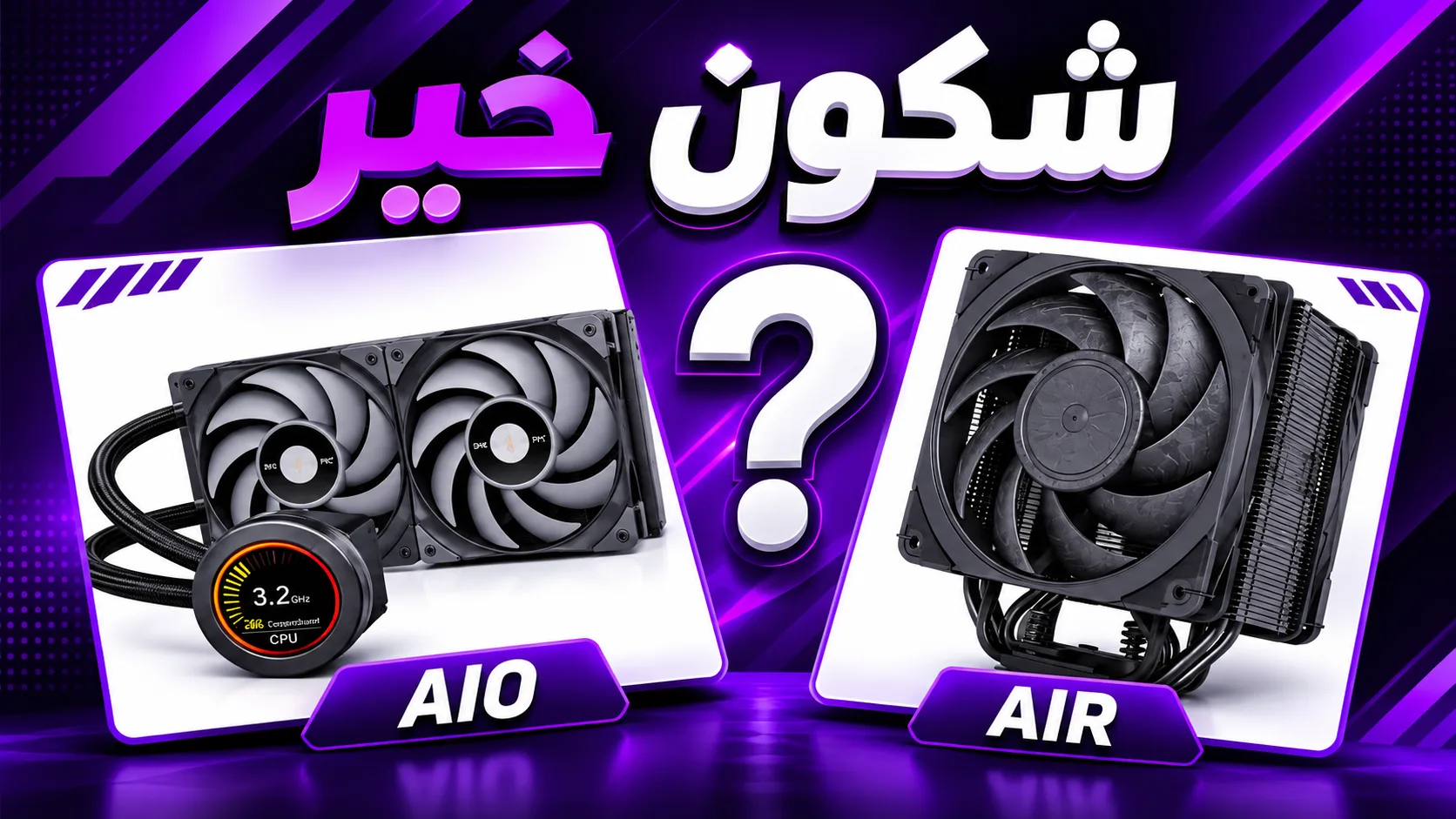
An air cooler moves heat from the processor through a base, usually into heatpipes and fins with air passing through them from a fan. The case must then exchange that warmed air. An AIO is a preassembled liquid loop: a cold plate collects heat, a pump circulates coolant through tubes, and a fan-equipped radiator transfers the heat to air.
An AIO therefore does not eliminate the need for airflow. It mainly relocates the heat-exchange surface to another part of the case. It also adds a pump and connections to check. This article concerns closed kits, not the design of a custom loop.
Neither liquid nor a large metal tower guarantees the outcome. Design, mounting, fans, settings and the operating environment remain important.
Start with CPU workload and settings
Record the exact CPU model, motherboard and applied power limits. A product tier does not describe your workload's consumption or your BIOS settings. TDP is a design specification to interpret according to the manufacturer and model, not a universal measurement of heat in every task. Advertised cooling wattages are not a standardised cross-brand scale either.
- For gaming, examine your usual titles and settings. A GPU-limited configuration does not necessarily load the CPU like a demanding all-core task.
- For rendering, encoding or extended computation, check a workload that represents your actual work and its duration. A short test does not establish behaviour at thermal equilibrium, particularly with an AIO.
- If the motherboard raises power limits or you plan to overclock, do not reuse conclusions obtained at different settings. Identify the configuration actually being applied first.
Reducing a power limit can also change the balance of consumption, performance and noise. Decide by measuring the effect on your task, not by presenting the reduction as free or applying one value to every CPU.
Separate adequate from preferable
Adequate cooling supports expected operation within the processor's published limits, without instability or performance loss caused by insufficient cooling for the intended use. It does not mean achieving the lowest possible temperature or absolute silence.
A better cooler can be useful for lower noise, more headroom in demanding conditions or a performance target. But that benefit needs evidence for the models and settings being compared. If your existing cooling is not limiting your game, replacing it does not guarantee higher FPS.
Do not use a single temperature as a verdict for every processor. Some automatically adjust clock speed according to available headroom. Consult your CPU's limits and guidance, then examine temperature, power, frequency and task results together. One high reading cannot distinguish intended behaviour from poor mounting.
Check compatibility before performance
For both approaches
Confirm the exact socket, mounting kit and whether the necessary parts are included or available separately. A compatibility claim must apply to the revision you buy. Check the motherboard and manufacturers' restrictions, not just the CPU socket.
For an air cooler
Compare total installed height with the case limit. Check clearance above the RAM, motherboard heatsinks and proximity to the first graphics slot. If you raise a fan to clear tall memory, total height increases: the side panel must still close without pressure.
For an AIO
Fan mounting positions do not prove radiator compatibility. Check the radiator's full length, width, thickness including fans, mounting areas and cable routing. At the top, check conflicts with RAM and motherboard heatsinks; at the front, check the remaining graphics-card space. Also check the block, tubes and their routing without tight or forced bends.
Follow the exact model's orientation instructions and establish where its pump actually sits: pump placement is not identical across all AIOs. Check the required fan and pump headers and power connections; do not improvise wiring or assume a universal minimum operating speed.
Case airflow and noise change the decision
An intake radiator receives incoming air but then sends warmed air into the case. As exhaust, it may receive air already heated by other components. The final effect on CPU and GPU depends on the complete build: no position wins in every configuration. Maintain appropriate airflow for the GPU and components around the socket.
For noise, compare both idle and load. An AIO has fans and a pump whose sound may remain noticeable when the fans slow down. An air cooler can also become loud under heavy load. Radiator size, fan count or the liquid-cooling label cannot settle the comparison.
Look for equal-noise testing if quiet operation is your priority, and distinguish it from maximum-speed results. Fan curves can reduce distracting speed changes, but must not conceal inadequate cooling capacity or contradict pump instructions.
Check the installation without inventing a diagnosis
- Before an extended workload, check connections and operation according to the manuals. Stop the test if you suspect a fan or pump fault; do not rely on thermal protections as a testing method.
- Observe a representative task alongside CPU temperature, power, clock speed and any limiting indicators. Record ambient temperature if you want to compare two runs; do not assume it.
- If performance drops alongside thermal limiting, first inspect power settings, mounting, thermal paste and air intakes. This symptom does not prove that the cooling technology itself is wrong.
- Shut down and unplug the PC before mechanical work. Do not dismantle a powered assembly, and follow the manual for paste application and mounting pressure.
When reading an external review, require the same CPU, comparable power conditions, ambient temperature or temperature rise above ambient, a documented workload and duration, mounting details, and fan and pump settings. For noise, also check measurement distance and protocol. Do not combine charts from different laboratories as a direct comparison.
Maintenance and budget without lifespan promises
Both approaches require attention to dust and fan condition. A closed AIO is not a loop to refill regularly: follow its manual and do not open it unless designed for that. Its pump is an additional component whose failure can compromise cooling. Air cooling avoids this pump, but its fan and mounting are not immune to problems.
Check warranty terms, replacement options and available parts for the exact model. A warranty is not a lifespan forecast. This article promises no number of years for either technology.
Before buying, write a brief: CPU and settings, most demanding task, case and RAM dimensions, noise target, total budget and missing evidence. Choose air cooling if the checks confirm that it meets your target at a lower total cost. Choose an AIO if its verified advantage addresses a concrete need and the installation allows it. If all you have is a product tier, a TDP figure and a radiator size, you still lack enough information to decide. Appearance can matter, but keep its price separate from a demonstrated thermal need.